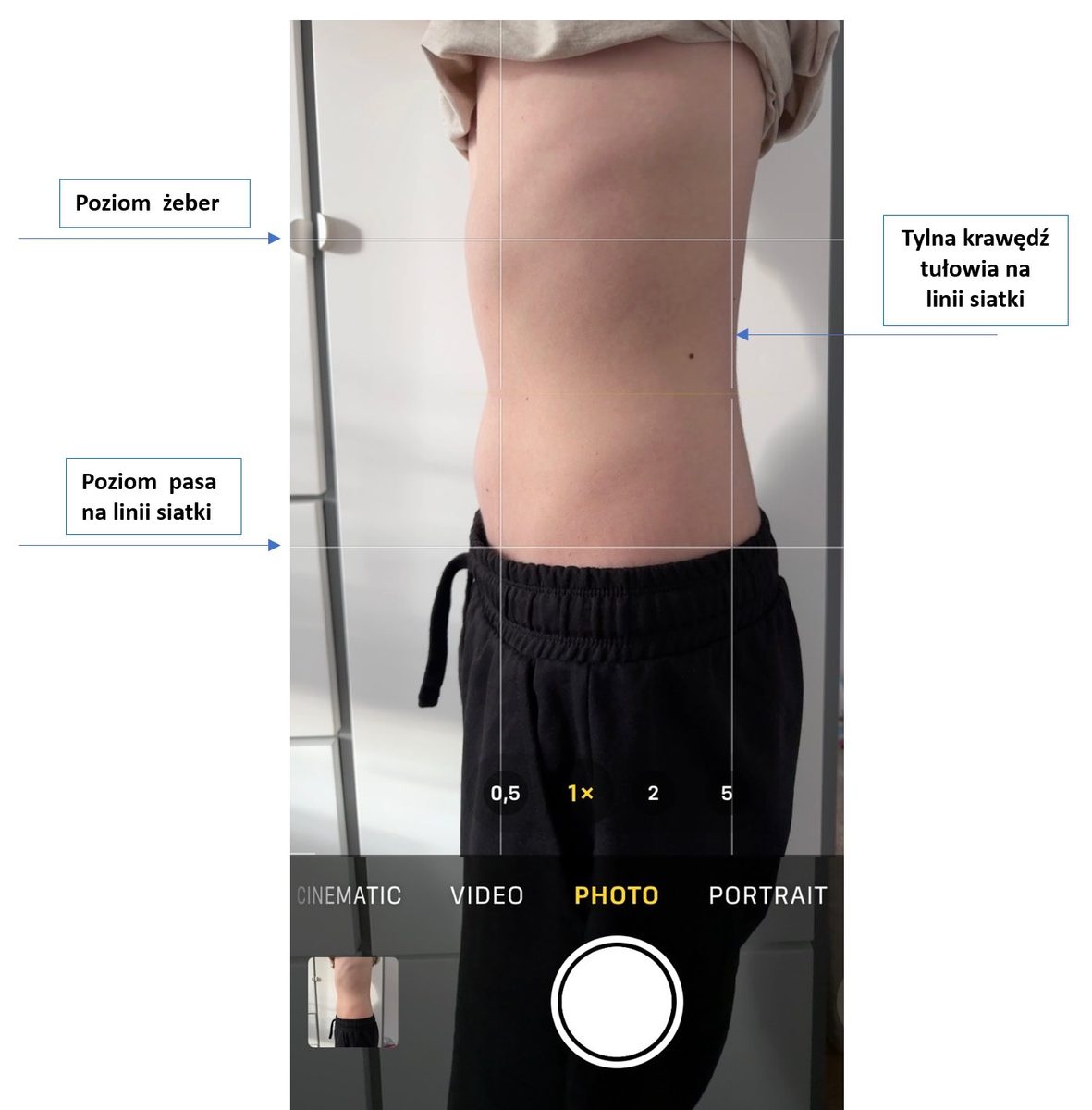
To turn on grid lines in the Camera app on an Android phone, follow these steps:
1. Open the "Camera" app on your Android phone.
2. Go to the camera settings, usually by tapping the gear icon or the three dots in the corner of the screen.
Fill in the fields and the message will open in your e-mail program. Nothing is sent from this page and no data is stored.
4. Turn the option on by moving the switch or ticking the box.
Note: The steps may differ slightly depending on the phone model and operating system version. More detailed steps for popular phone brands are given below:
Telefony Samsung:
1. Open the "Camera" app.
2. Tap the gear icon (Settings) in the top left corner.
3. Scroll down to "Grid lines" and turn it on.
Telefony Huawei:
1. Open the "Camera" app.
2. Tap the gear icon (Settings) in the top right corner.
3. Scroll down to "Grid" and turn it on.
Telefony Xiaomi:
1. Open the "Camera" app.
2. Tap the three-line icon (Menu) in the top right corner.
3. Go to "Settings".
4. Find the "Grid" option and turn it on.
If you use a phone from another brand, the steps are likely to be similar. If in doubt, check the phone’s manual or the manufacturer’s support page.